
Web design & development
Website Design and Development: A Business Guide
Plan a better business website with this guide to website design and development, covering mobile usability, SEO, project costs and launch essentials.
What is website design and development?
Website design shapes how a website looks and how people use it. Website development turns that design into working pages, navigation, forms and integrations. A successful business website needs both: clear information and a dependable experience that helps visitors take the next step.
For a business owner planning a new site or redesign, the starting point is a customer task. That might be comparing services, requesting a quote or buying a product. Define that task before choosing colours, layouts or technology so every decision supports a useful outcome.
Website design vs website development: the difference
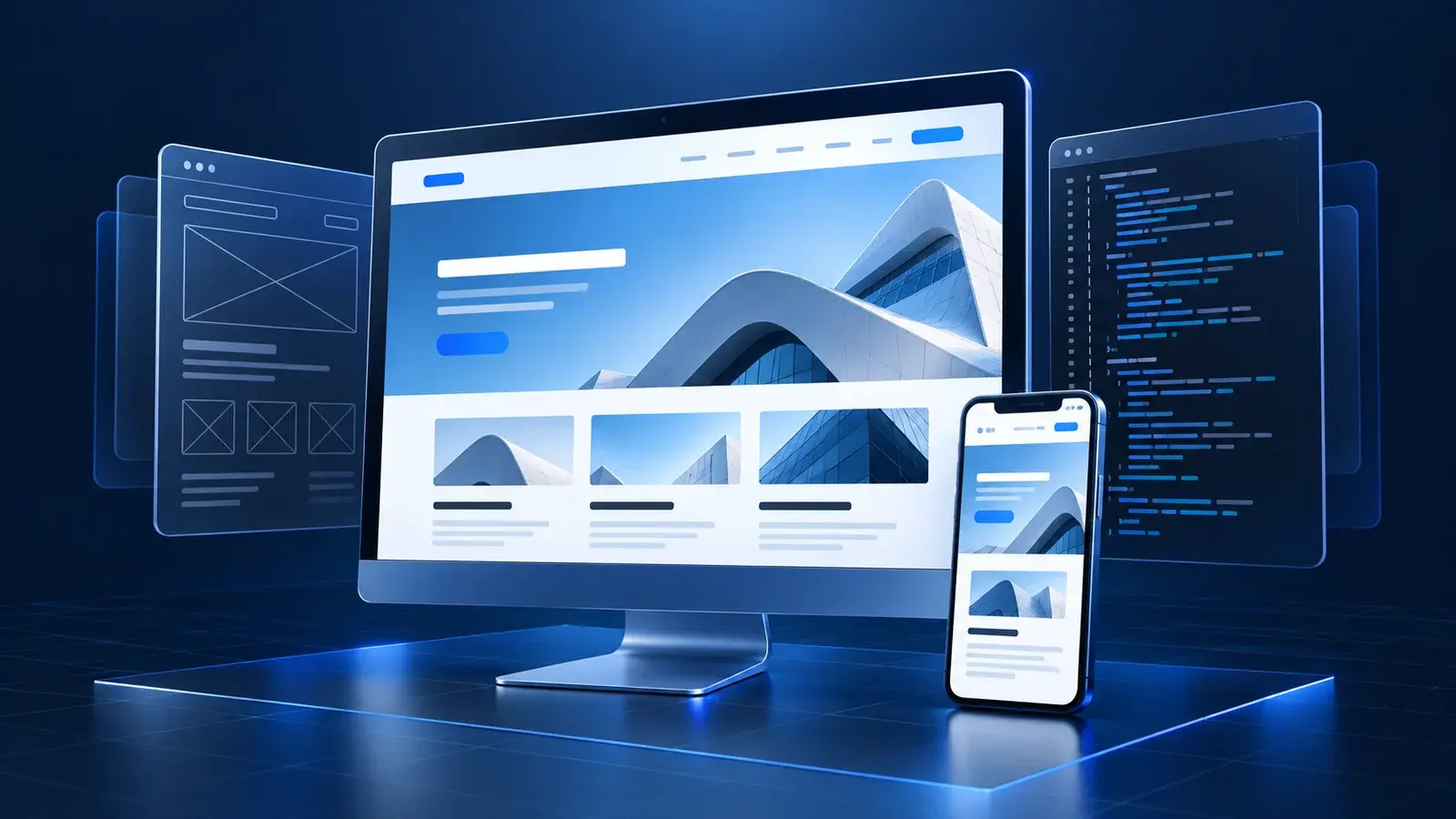
Website design covers page structure, typography, colour, imagery and interaction. A designer decides how to organise information, make a page easy to scan and guide someone from a question to a relevant answer. Wireframes and prototypes help test those choices before the full site is built.
Website development covers the code and systems behind the experience. Front-end work implements what visitors see and interact with. Back-end work handles server-side tasks such as storing enquiries, managing accounts or connecting a checkout. Not every business website needs a custom back end; the scope depends on what it must do.
Consider a quote request page. Design makes the offer understandable and the form easy to use. Development validates the inputs, delivers the enquiry and shows a reliable confirmation. If either part fails, a visually polished page can still lose a potential customer.
Start with your audience, content and page structure
Write a short project brief covering your audience, main services, service area and primary enquiry or purchase action. Gather the material customers need to decide: service details, project examples, genuine testimonials, contact information and answers to common questions. Avoid inventing results or filling gaps with generic promises.
Map each distinct customer need to a useful page. A service business might need a homepage, individual service pages, project examples, an about page and a contact page. Add a blog when you have practical questions to answer, rather than creating articles only to repeat a keyword.
Plan navigation and internal links together. A design article can point to a relevant service, while a service page can point to work that demonstrates the approach. Use descriptive link labels so readers understand the destination before opening it.
Build responsive, accessible website design
Responsive website design adapts content to the available screen space. Check the real content on phones, tablets and larger screens: long headings, navigation menus, service cards and forms should remain usable without horizontal scrolling or tiny text. Give important actions enough space to be selected comfortably.
Accessibility belongs in the design process. W3C guidance recommends sufficient contrast, identifiable interactive elements, clear navigation and headings that group related content. Use visible form labels and explain errors in words so people can understand how to complete a task.
During development, test keyboard navigation and visible focus indicators. Add meaningful alternative text to informative images and avoid putting essential service information only inside graphics. These decisions help more people access the same content.
Make SEO part of website development
An SEO-friendly website starts with useful content that answers the intended visitor's question. Give each page a descriptive title, a clear main heading and supporting sections that explain the topic naturally. A meta description should summarise the page and give people a reason to visit, without promising results the page cannot deliver.
Google's SEO Starter Guide recommends descriptive URLs, logical organisation and meaningful links. Check that important pages are accessible to search crawlers, that canonical URLs identify the preferred versions and that staging restrictions have been removed before launch. Include relevant pages in an XML sitemap to support discovery.
Use structured data only when it accurately describes visible content. An article can identify its headline, author and publication date, but markup does not guarantee a special search appearance. Likewise, good technical foundations support discoverability without guaranteeing indexing or a particular ranking.
Choose technology around the work your website must do
List the features you need before selecting a platform: content editing, payments, bookings, customer accounts or integrations with business tools. A straightforward service website has different requirements from a large shop or a custom application. Ask who will maintain the site and how the team will publish updates after handover.
Keep pages efficient by sizing and compressing images, reserving space for media and limiting scripts that do not serve a clear purpose. Test representative service, contact and article pages on mobile connections. Check whether navigation responds promptly and whether the layout moves unexpectedly while loading.
What affects website design and development costs?
Project cost depends on the number of page templates, content requirements, custom features, integrations and review rounds. A small brochure site and a platform with accounts, payments and bespoke workflows should not be scoped as the same project. Request a written proposal that explains deliverables and responsibilities.
Budget for ongoing hosting, domain renewal, maintenance and any paid services as well as the initial build. Confirm ownership of the domain, source code and content, plus what training and support are included. Agree milestones for content, design approval, development, testing and launch rather than relying on a date without dependencies.
A practical website launch checklist
Before launch, review every key page on mobile and desktop, submit forms end to end, check navigation and verify contact details. Confirm that images load, links reach the intended pages and missing URLs return an appropriate error. If replacing a site, map valuable old URLs to the closest relevant new pages with redirects.
Review page titles, descriptions, canonical URLs, sitemap entries and indexing settings. Set up Search Console and measure meaningful actions such as completed enquiries. After launch, monitor delivery errors, customer feedback and search visibility so the team can prioritise improvements using evidence.
Plan your next business website with Soft Singal
Bring your audience, existing website and main business goal to the first conversation. Soft Singal's website development and web platform services connect design, implementation and search foundations in one project. Use the service links below to explore the approach or contact the team to discuss the scope of your website.
Useful resources